
Get the app
Free to download. Scan with your phone's camera to open the store page.
 App Store
iPhone & iPad
App Store
iPhone & iPad
See it in action
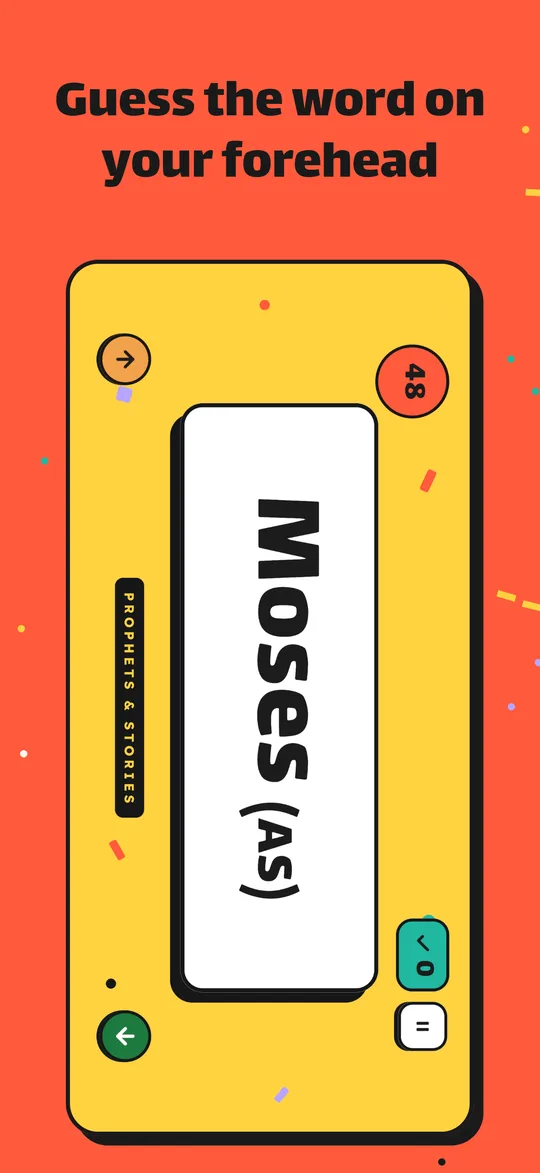
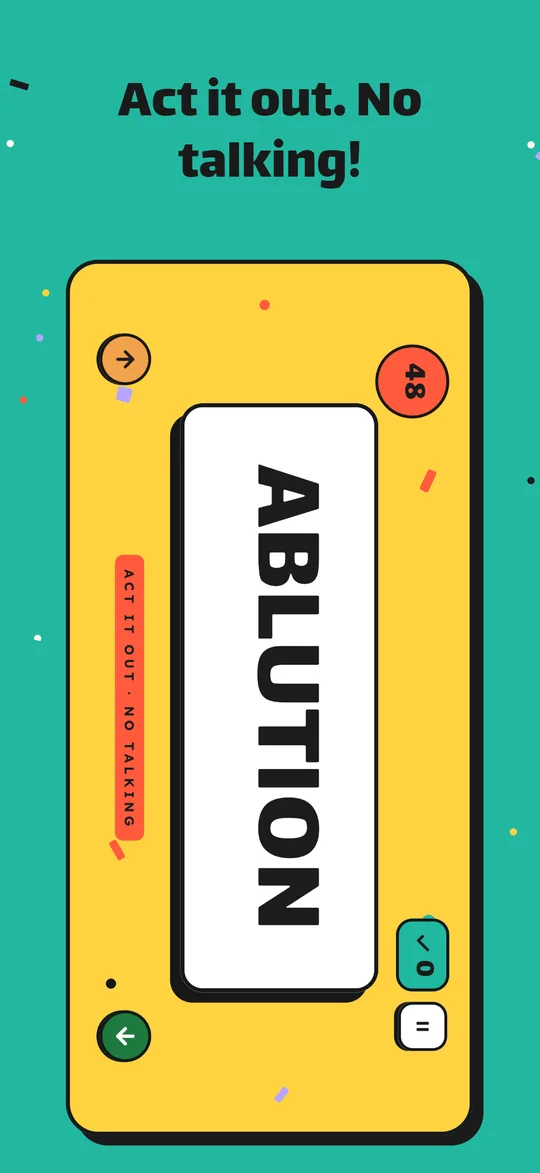
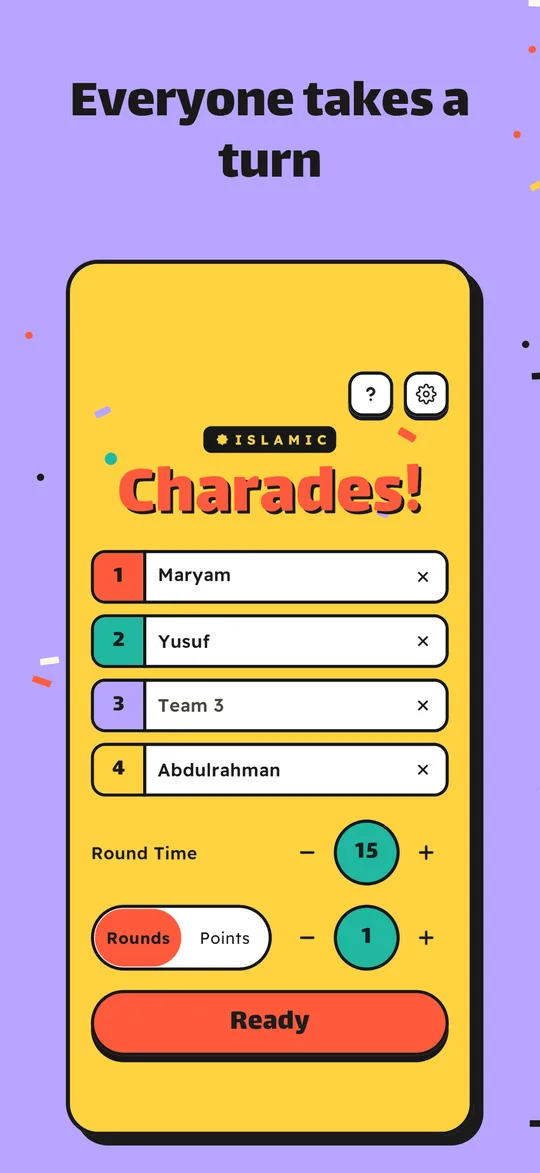
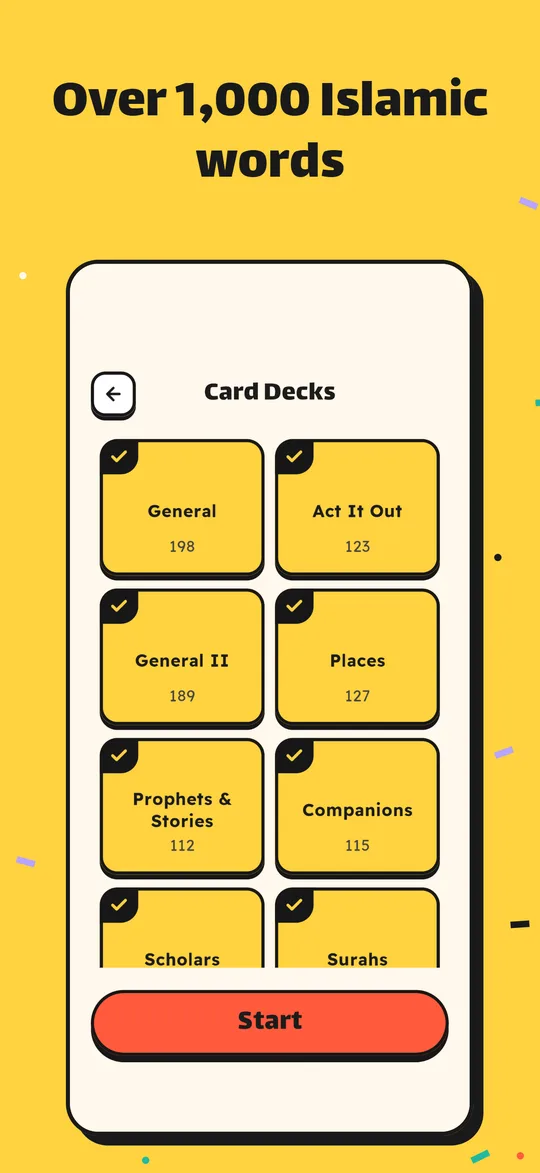
Bright, big and readable from across the room.
How to play
One phone, a few friends and a timer. That's the whole setup.
Phone on your forehead
Hold the phone sideways against your forehead, screen facing your friends. You can't see the word, they can.
They give you clues
Your friends help you guess the word before the time runs out, without ever saying it.
Tilt to answer
Got it? Tilt the phone down. Stuck? Tilt it up to pass and move on to the next word.
Three ways to play
Pick one or mix them freely, even on the same word.
Describe it
Your friends explain the word without saying it.
Ask questions
Yes-or-no questions only. Is it a prophet? Is it a place?
Act it out
No talking, no sounds. Just acting.
The decks
Rounds run from 15 seconds to 3 minutes. Unlock decks one by one, or together in a bundle.
Support
Answers to the questions we hear most. Can't find yours? Write to us below.
The phone doesn't react when I tilt it.
Hold the phone sideways (landscape) against your forehead, upright, before the countdown starts. The game measures that starting position at the beginning of each round, so start the way you'll hold it.
Tilt clearly: face the screen toward the floor for a correct answer, toward the ceiling to pass, then come back upright before the next word. Small nods are ignored on purpose, so a laugh doesn't count as an answer.
The screen won't turn sideways.
The rounds play in landscape. If your phone's rotation lock is on, the game still reads which way you're holding it, but turning the lock off gives the smoothest start. You can also tap the screen at the countdown to start right away.
How do I restore my purchases on a new phone?
Open the game, tap the gear icon on the main screen and choose Restore Purchases. Use the same Apple ID or Google account you bought the decks with. Your decks come back at no cost.
I bought a deck but it's still locked.
Known issue in version 1.0.0: decks you already bought can appear locked the next time you open the app. Tap any locked deck and your purchases are restored right away. This will be fixed in an update within the next few days.
If that doesn't help, check that you're online, then use Restore Purchases in Settings. If the deck is still locked, email us with the deck's name and your platform (iPhone/iPad or Android). Please don't send receipts with card details; the store's order ID is enough.
Can I get a refund?
Payments are handled by Apple and Google, so refunds are too. On iPhone, request one at reportaproblem.apple.com. On Android, use the Google Play order history. We're happy to help if something went wrong.
Will new decks be covered by a bundle I bought?
A bundle unlocks the decks that were in the game when you bought it. Decks added later are sold separately or in a new bundle, so the order you buy in never changes what you get.
How do I change the language?
Tap the gear icon on the main screen and pick English, Türkçe or العربية. The cards change language with the menus.
I found a wrong or unclear word.
Please tell us. Every word is checked by hand, and we'd much rather fix a mistake than keep it. Send the word, the deck and the language it appeared in.
Still stuck?
Questions, bug reports, word suggestions: write any time. We usually reply within a few days.